GAME SERVER HOSTING
Valheim server hosting
- Starting at
- ₱219 a month
- Genre
- Viking survival, co-op
- Developer
- Iron Gate
Gather your crew and play Valheim on a server set up just for you. World seeds, BepInEx and Valheim Plus mods, crossplay, and world backups.
About Valheim
Viking survival, co-op, made by Iron Gate
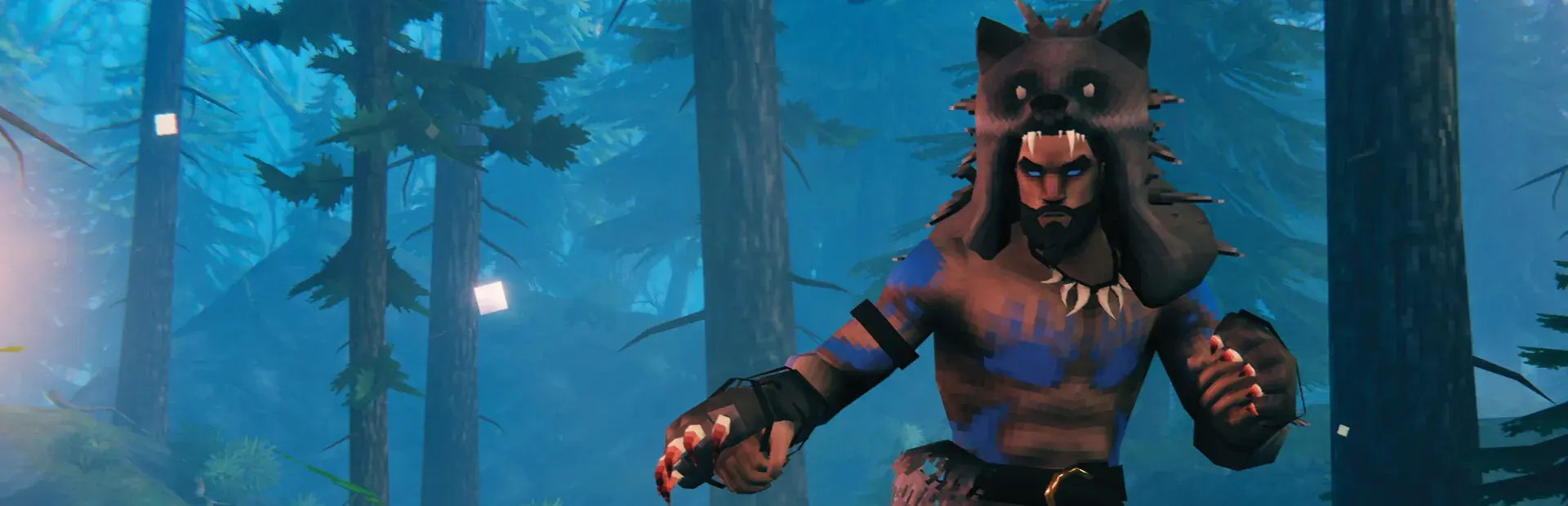
Valheim sends you into a Viking afterlife to prove yourself to Odin. You build longhouses, sail between biomes, and hunt down mythical bosses with up to 10 friends.
How Valheim is played
- 1Gather wood and stone, then build a shelter with a fire and bed.
- 2Eat a mix of foods to raise your health and stamina.
- 3Defeat each biome's boss to unlock the next tier of materials.
- 4Build ships and sail with friends to new islands.
What you get with your Valheim server
- 01
Setup and configuration
We install the server, the game version you want, and the settings for your rules and player count.
Read the guide - 02
Mods and plugins
We install and test the mods, plugins, and maps your community needs before launch.
Read the guide - 03
Discord connection
We link the server to your Discord with roles, status updates, and join instructions.
Read the guide - 04
Support after launch
You get a direct line to our team for changes, updates, and problems.
Read the guide
Questions about Valheim servers
Do you host and set up Valheim servers in the Philippines?
Yes. DATAL Projects hosts and sets up Valheim servers for communities and friend groups in the Philippines. World seeds, BepInEx and Valheim Plus mods, crossplay, and world backups.
How much does a Valheim server cost?
Valheim servers start at ₱219 per month. The final price depends on player count, mods, and RAM.
Can you install mods and plugins on my Valheim server?
Yes. Tell us the mods, plugins, or maps you want. We install them, test the server, and fix conflicts before your players join.